Convert & Compress
Change format, resolution, frame rate, codec and quality — or pick a one-tap preset.
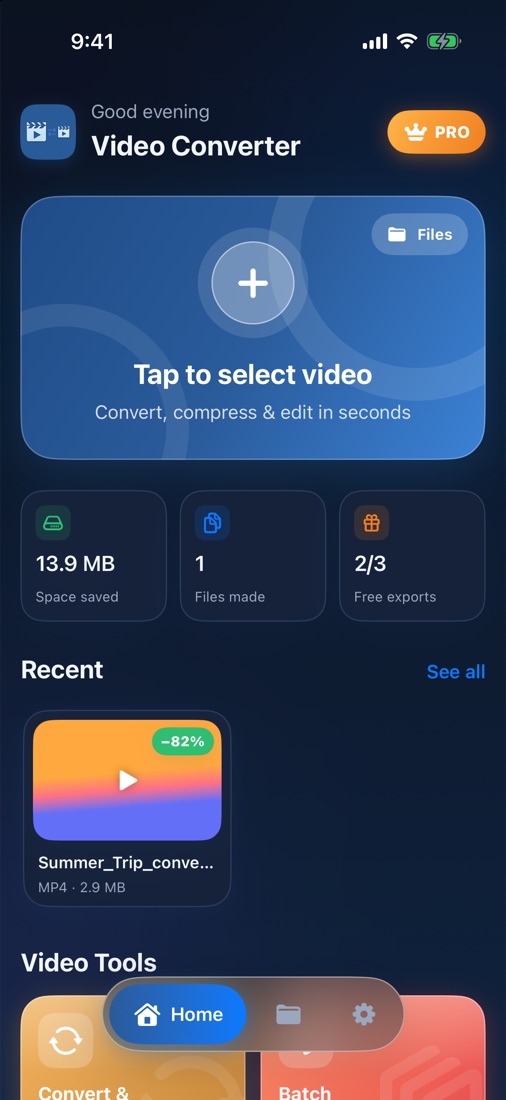
Convert, compress and edit videos right on your iPhone. Shrink huge clips to share anywhere, change formats in a tap, and clean up audio — without uploading a single file.
For iPhone and iPad · iOS 17 or later · 3 free exports
From one-tap compression to vocal separation — every tool is built for speed on iPhone and works offline.
Change format, resolution, frame rate, codec and quality — or pick a one-tap preset.
Shrink a whole set of videos at once and see exactly how much space you'll save.
Cut exactly the part you need with a frame-accurate filmstrip — lossless and instant.
Join clips into one video. Mixed portrait and landscape clips are fitted automatically.
From 0.25× slow motion to 4× time-lapse, with natural-sounding pitch-corrected audio.
Fix sideways or mirrored videos with a live preview before you export.
Turn any moment into a looping GIF. Choose the size and smoothness you want.
Remove the soundtrack in seconds, without re-encoding the picture.
Extract audio from video, or convert to M4A, WAV, FLAC, ALAC, AIFF or CAF.
Reduce hiss, hum and background noise in voice recordings and videos.
Separate the voice from the instrumental to make karaoke tracks or isolate vocals.
Join audio files and soundtracks back-to-back into a single track.
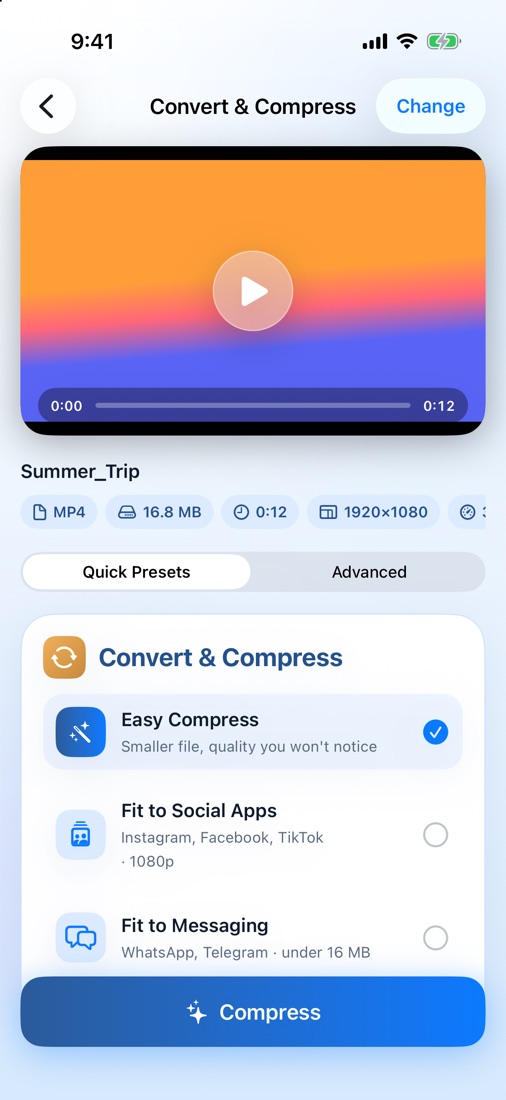
Pick where you're sending the video and let the app do the math. Or take full control in Advanced mode.
Convert between popular video containers, switch to HEVC for files up to 40% smaller, or pull the audio out in studio-quality formats.
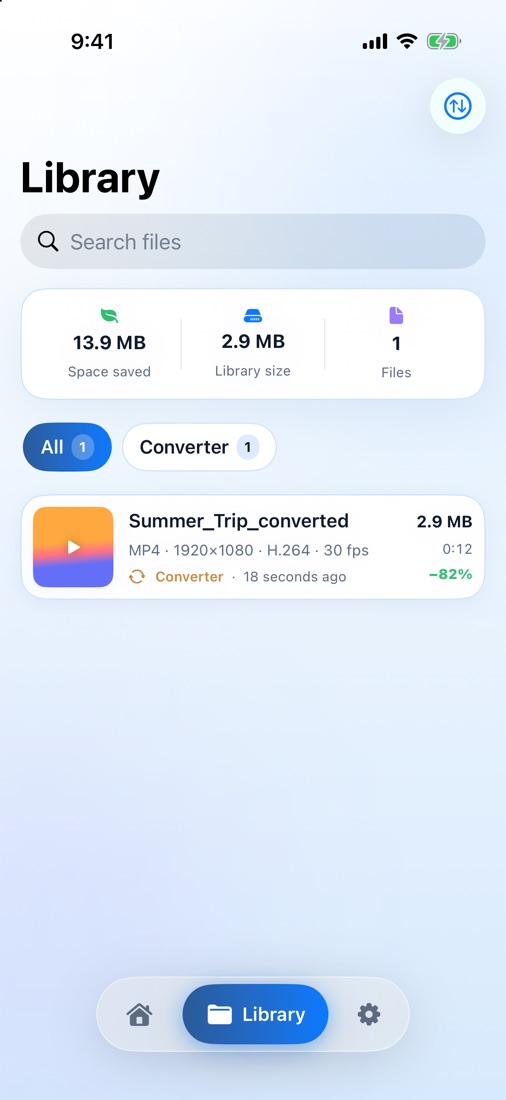
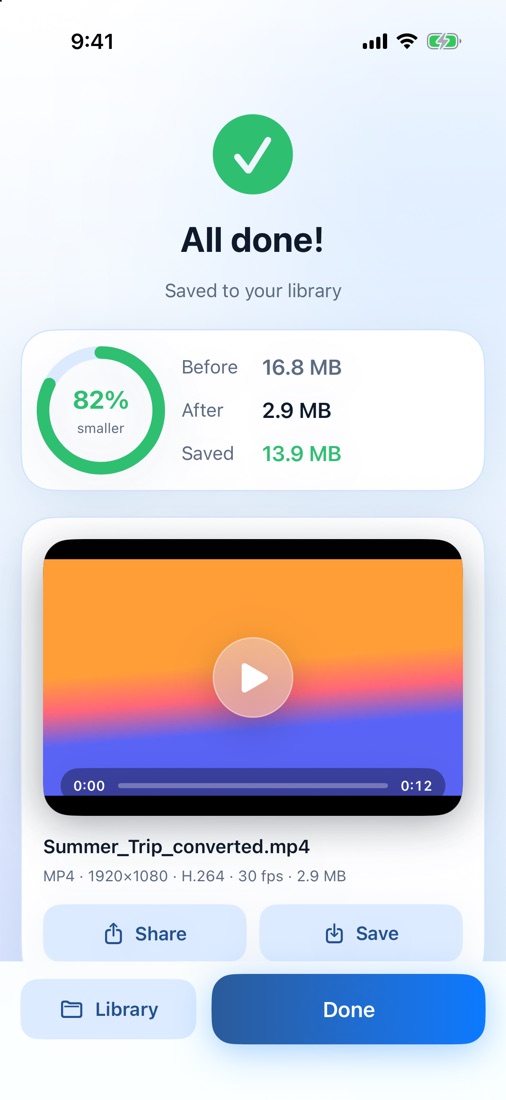
Compress big videos and replace the originals in Photos with one tap. Your library keeps track of every megabyte you've saved.
Every conversion runs on your device. There are no uploads, no accounts, no ads and no tracking — we don't collect your data, so there's nothing to leak.
Every feature is available from day one. Premium removes the limits.
Try every tool before you decide.
Just $0.38 per week. Free for 3 days, then billed yearly.
Flexible. Cancel anytime.
Prices shown in USD; local prices are shown in the app and may vary by country. Subscriptions renew automatically unless cancelled at least 24 hours before the end of the current period. Manage or cancel anytime in your Apple ID settings. See our Terms of Use and Privacy Policy.
Easy Compress is tuned so the difference is very hard to see on a phone, while the file gets dramatically smaller. You can always choose "Higher" quality in Advanced mode if you need it.
No. All processing happens on your iPhone. Your videos are never sent to us or to any server.
You can use every tool and export 3 videos of any length for free. After that, Premium is needed to keep exporting. Files you've already made stay in your library.
Open the Settings app, tap your name, then Subscriptions, and choose Video Converter. Cancel at least 24 hours before the renewal date to avoid being charged for the next period.
In the app's Library, and in the Files app under On My iPhone › Video Converter. You can also save them to Photos or share them directly.
Download Video Converter for iPhone and iPad and start with 3 free exports.
Download on theApp Store